MysticBlood Portal
Blood Never Sleeps
Enter the World of MysticBlood
To become part of MysticBlood you must first become a mystical creature and enter the world in Second Life.
You may be invited by an existing member of MysticBlood.
If you do not know any member of MysticBlood, travel to the Land of Mystic Creatures. Land of Mystic Creatures .
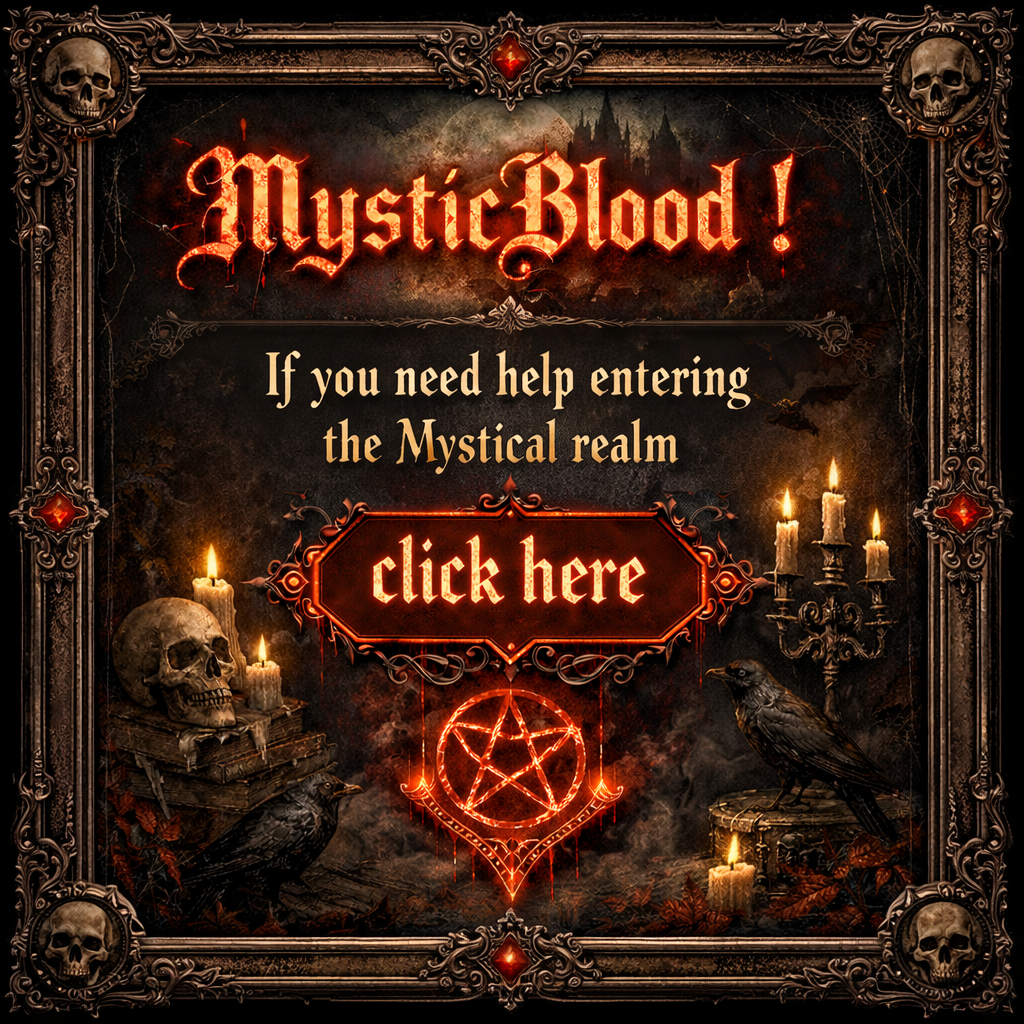
At the landing point you will find this assistance board.
By clicking the board, a request will be sent to the MysticBlood Second Life group and to the official Discord channel, indicating that someone wishes to join.
A member of MysticBlood will reach you and guide you into the world of MysticBlood.
Activate Portal Access
If you are already a MysticBlood player, you are already present in the system and may proceed to activate your portal credentials.
If you are not yet a MysticBlood player, you must first enter the game. The section above explains how to do that.
Click Activate. Enter your Second Life Legacy Username, not your Display Name. Request your OTP code.
You must be online in Second Life, otherwise you will not receive the message. The OTP will arrive as a local chat message visible only to you.
After receiving the OTP, click Go to Verification on the Activate page. On the verification page, enter the OTP code and choose your password. Then click Verify and Activate to create your portal credentials.
Once activation is complete, simply click Login and you will be inside the portal.
Enter the Portal
After activation you may log in to access your private interface, the player directory, and the public structures of the MysticBlood world.